
MCP-WebSearch-SearXNG
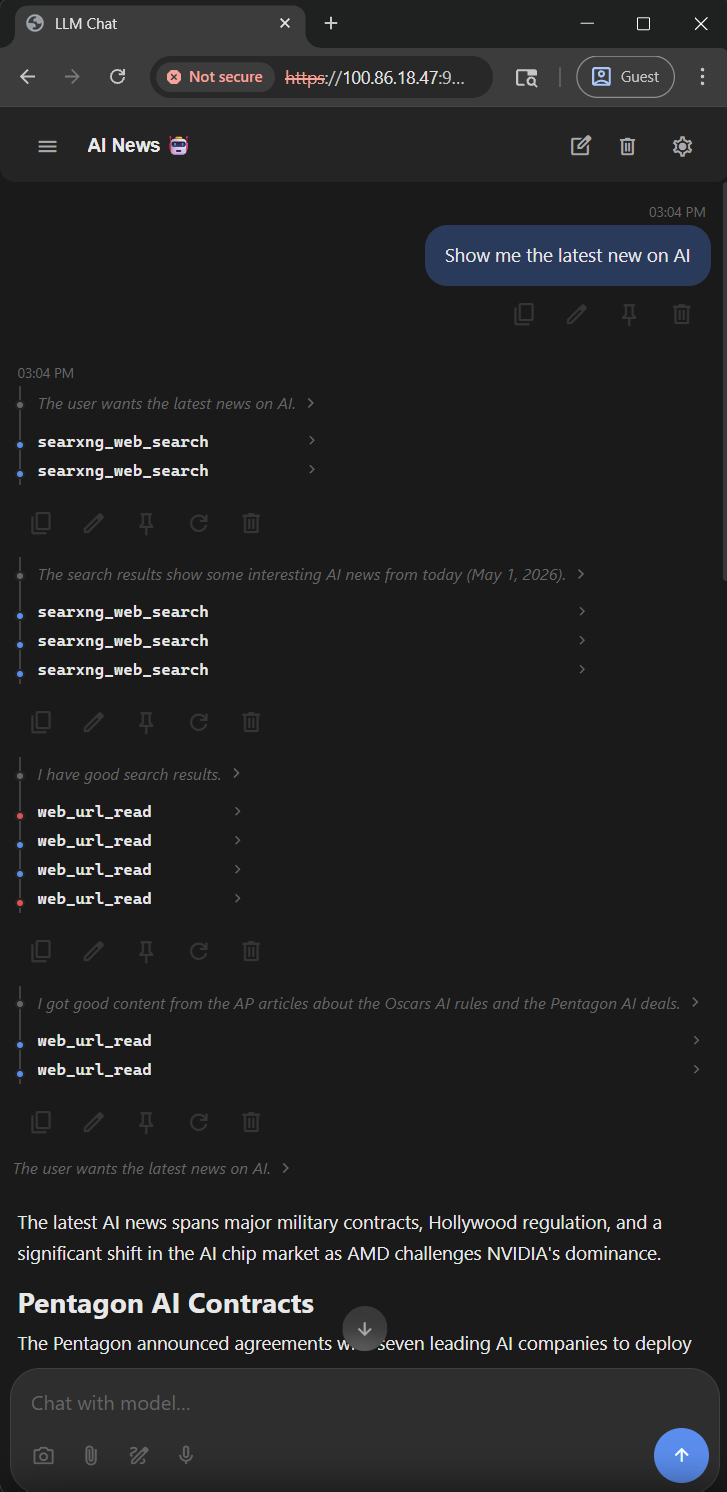
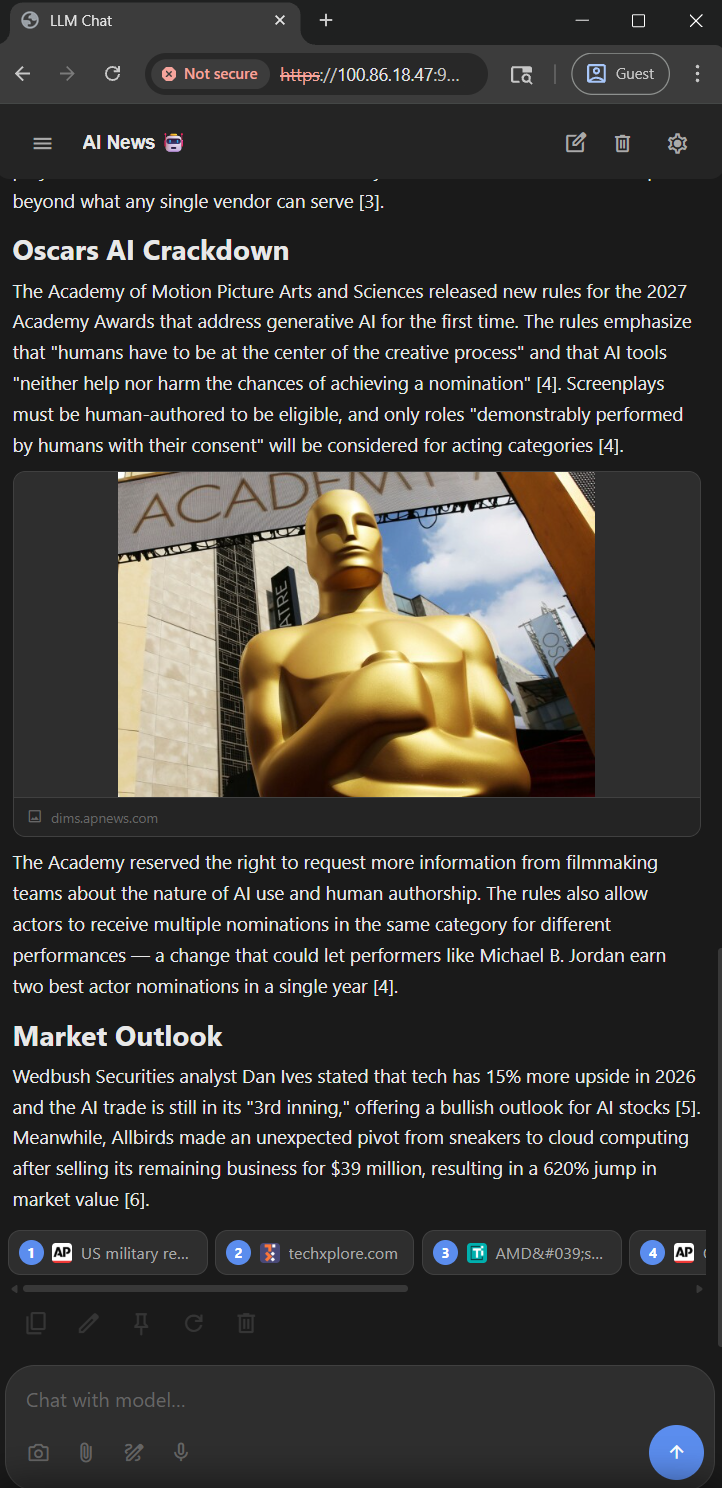
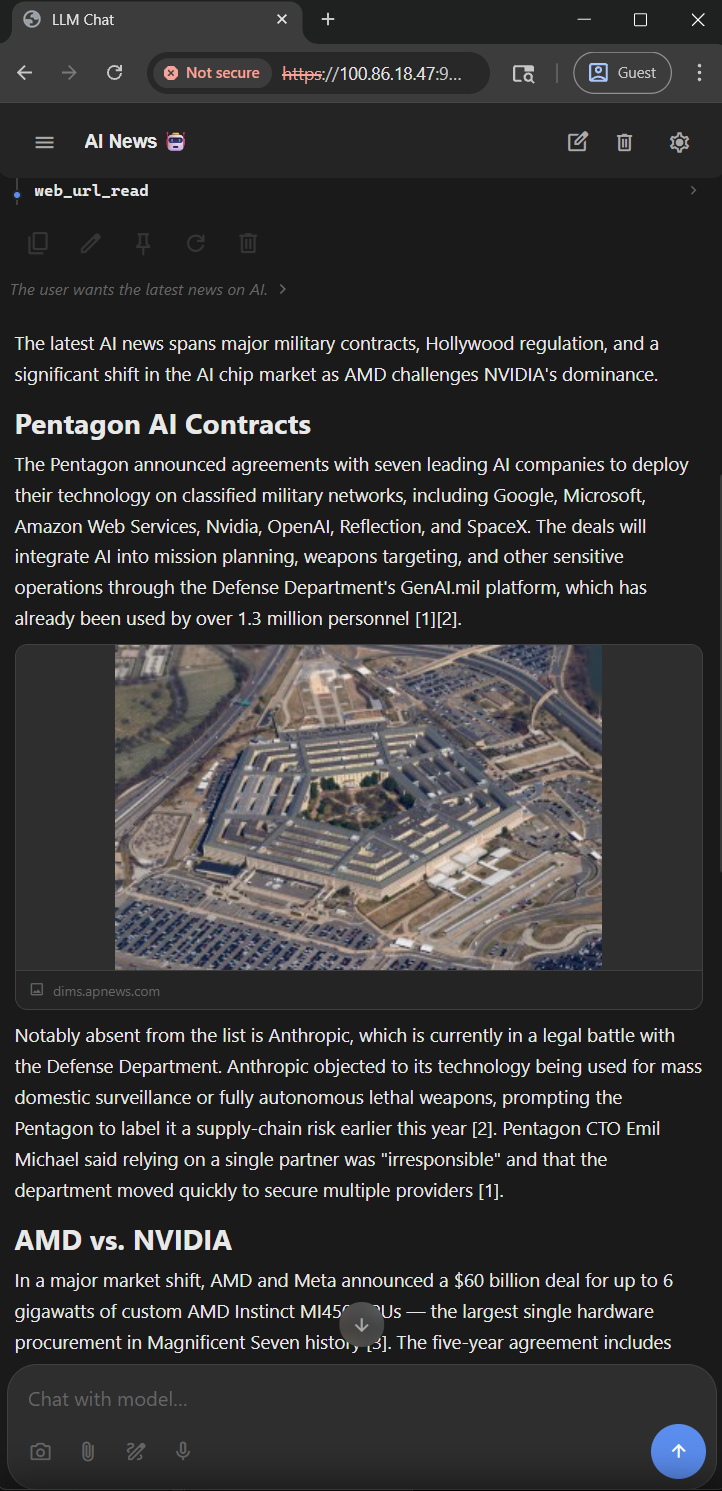
Lets your model (or autonomous agent) browse the web, run searches across many engines at once, and surface images directly in your front end.
Install
Install and configure the MCP from https://github.com/hypersniper05/MCP-WebSearch-SearXNG now. Follow the repository's installation instructions, ask me for anything you can't complete yourself, and verify its tools load.WebSearch SearXNG + MCP Server
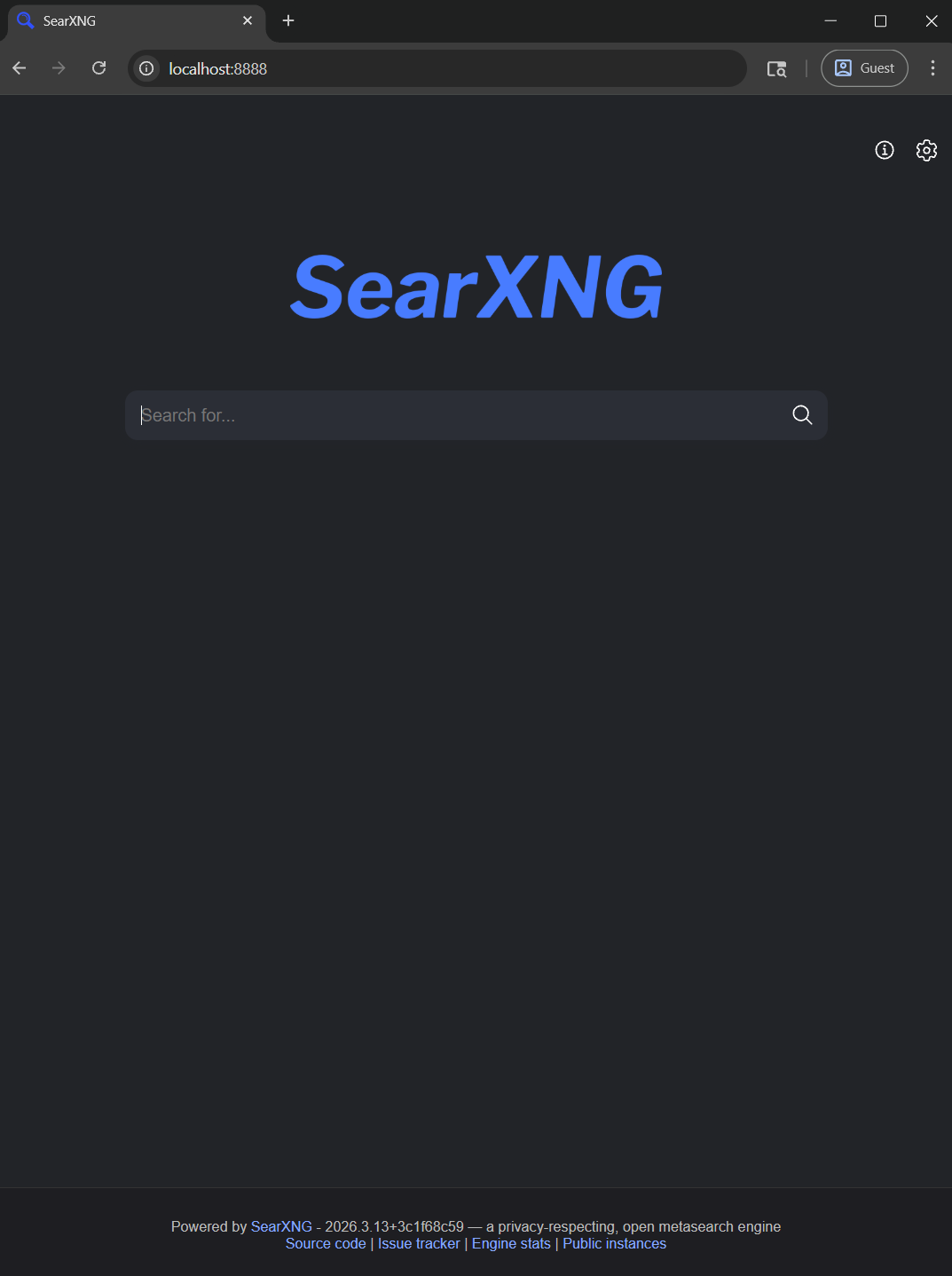
A self-hosted SearXNG metasearch engine paired with the mcp-searxng MCP server, built for LLMs, agents, and tool-using applications. Lets your model (or autonomous agent) browse the web, run searches across many engines at once, and surface images directly in your front end. Runs entirely on your own machine via Docker, accessed from your browser, and speaks MCP over HTTP Streamable transport so it plugs into any MCP-compatible client (Claude Desktop, Cline, Open WebUI, LM Studio, custom agent frameworks, etc.). Enhanced with image/video/category search, offset pagination, and smart base64 image resizing for vision-capable models. Both services stay on your local network, so nothing leaves your box unless you ask it to. No ads, no telemetry, no third-party trackers, no accounts — the SearXNG frontend is privacy-by-design and the MCP patches add zero phone-home of their own.
Installation
Quick note on privacy before you start. This stack runs entirely on your machine and is privacy-respecting by design (no telemetry, no accounts, no third-party trackers), but the defaults are tuned for "just works," not maximum privacy. Before exposing it beyond your own computer, to your LAN, the internet, or anyone else please read ADVANCED.md
Prerequisites
- Docker and Docker Compose must be installed (Node.js is not needed on the host: the MCP server runs inside its Docker image)
Step 1: Clone the Repository
git clone https://github.com/hypersniper05/MCP-WebSearch-SearXNG.git
cd MCP-WebSearch-SearXNG
This gives you the docker-compose.yml, the SearXNG settings.yml, the MCP patches, and the custom Dockerfile already laid out — so the next step is straight to configuration.
Prefer to set everything up by hand instead of cloning? See Building from scratch (without cloning) in ADVANCED.md.
Step 2: Configure SearXNG Settings
The shipped searxng/config/settings.yml is already preconfigured for this stack — JSON output enabled, rate limiter off, a curated set of engines that answer self-hosted instances, and long engine suspension times so a blocked engine is not retried on every single query. It only holds overrides: SearXNG merges it over the default settings inside the (pinned) image. The only thing you need to set is the secret key.
Want to change which engines are enabled, the request timeout, or any other SearXNG default? See Modifying the default settings in ADVANCED.md.
Set the secret_key (or use the env var)
SearXNG will start without a key, so for a localhost-only personal instance you can come back to this later. But if you ever bind to 0.0.0.0, expose this to your LAN, or share it with anyone, set a real one — otherwise anyone can forge the HMAC that SearXNG's /image_proxy endpoint checks and use your instance as an open image proxy.
Set it in a .env file next to docker-compose.yml:
SEARXNG_SECRET=<paste your generated 64-char hex string here>
docker-compose.yml always passes SEARXNG_SECRET into the container, and SearXNG lets that variable override settings.yml even when it is empty. So the secret_key: "CHANGE_ME_BEFORE_RUNNING" placeholder in settings.yml is never used, and editing it has no effect — without a .env value the instance runs with an empty key. Use .env (it is gitignored, so the key never reaches the repo).
Generate a key with whichever tool you have installed:
# PowerShell (Windows PowerShell 5.1 and PowerShell 7 — built in)
$b = New-Object byte[] 32; [System.Security.Cryptography.RandomNumberGenerator]::Create().GetBytes($b); -join ($b | ForEach-Object { $_.ToString('x2') })
# Node.js (if you have it)
node -e "console.log(require('crypto').randomBytes(32).toString('hex'))"

# Docker (works anywhere this stack does)
docker run --rm alpine sh -c "apk add --no-cache openssl > /dev/null && openssl rand -hex 32"

# Git Bash / Linux / macOS
openssl rand -hex 32

# Python
python -c "import secrets; print(secrets.token_hex(32))"
For the rest of the privacy/hardening trade-offs (LAN exposure, MCP auth, Tor routing), see ADVANCED.md.
Step 3: Build and Start Everything
docker compose build
docker compose up -d
Step 4: Verify Services
Health check:
curl -s http://localhost:3001/health
Expected: {"status":"healthy","server":"ihor-sokoliuk/mcp-searxng","version":"2.4.0-enhanced","transport":"http"}
Test search:
curl -s "http://localhost:8888/search?q=test&format=json" | head -c 200
Step 5 (only if accessing from another machine): Open the bindings to your LAN / Tailscale
By default the shipped docker-compose.yml binds SearXNG to 127.0.0.1 (this machine only) and the MCP server to 0.0.0.0 (already reachable from your LAN / Tailscale tailnet). Both come from .env: SEARXNG_BIND (default 127.0.0.1) and MCP_BIND (default 0.0.0.0).
Quick diagnostic to spot this:
docker compose ps
Look at the PORTS column. If you see:
| What you see | What it means |
|---|---|
0.0.0.0:8888->8080/tcp | Reachable from anywhere on the network ✓ |
127.0.0.1:8888->8080/tcp | Localhost only — the exact symptom that makes external access "time out" |
If a row shows 127.0.0.1: and you need it reachable off-host, set the binding in .env (next to docker-compose.yml). Do not edit docker-compose.yml itself: .env is gitignored, so git pull never conflicts with your choice.
SEARXNG_BIND=0.0.0.0   # default 127.0.0.1
MCP_BIND=0.0.0.0       # already the default; 127.0.0.1 keeps the MCP endpoint on this machine
Then recreate the containers (port changes don't apply on a plain restart):
docker compose down
docker compose up -d
docker compose ps
The changed rows should now show 0.0.0.0:....
If docker compose ps already shows 0.0.0.0 and external access still fails, it's the OS firewall. On Windows, allow the ports from an admin PowerShell:
New-NetFirewallRule -DisplayName "MCP SearXNG (8888)" -Direction Inbound -Protocol TCP -LocalPort 8888 -Action Allow
New-NetFirewallRule -DisplayName "MCP Server (3001)"   -Direction Inbound -Protocol TCP -LocalPort 3001 -Action Allow
Browser-based MCP clients (anything that sends an Origin header, such as a web UI or the MCP Inspector) are refused with HTTP 403 unless their origin is listed. Add the exact origins, with scheme and port, to .env, e.g. MCP_ALLOWED_ORIGINS=http://localhost:3001,http://100.x.y.z:3001. The list replaces the localhost default, so include those too if you need them. Clients that send no Origin (Claude Code, SDK clients, LM Studio, curl) are not affected.
Security note:
0.0.0.0exposes a service to anyone who can reach your machine on that port, and the MCP server is bound to0.0.0.0by default (setMCP_BIND=127.0.0.1in.envto keep it local). The MCP server has no authentication by default. Upstream can require a static bearer token in its hardened mode, or OAuth access tokens; if you're going beyond a trusted home/Tailscale network, read ADVANCED.md → Tier 2.
Endpoints Summary
| Service | URL | Purpose |
|---|---|---|
| SearXNG UI | http://localhost:8888 | Web search interface |
| SearXNG API | http://localhost:8888/search | JSON search API |
| MCP Server | http://localhost:3001/mcp | MCP Streamable HTTP |
| MCP Health | http://localhost:3001/health | Health check endpoint |
Need TLS for an HTTPS-only client? The cleanest path is Tailscale Serve if both ends are on a tailnet (real Let's Encrypt-trusted cert, zero per-client setup), or a reverse proxy like Caddy / nginx with your own cert otherwise. Either is added in front of the existing HTTP MCP endpoint without any changes to this stack.
MCP Tools
1. searxng_web_search
Web search with category, pagination, and filtering support. Returns structured JSON: results (title, url, description, published date, source engines, score), suggestions, corrections, answers, infoboxes, unresponsive_engines, engine_coverage (answered engines and failed_count) and pagination.
Separate queries with | to run several searches in one call ("CFM LEAP engine | A320neo sharklet") -- up to 10, two at a time.
| Parameter | Type | Description |
|---|---|---|
query | string | Search query (required). Operators: "exact phrase", site:, filetype:, +required -excluded, OR |
categories | string | general (default), images, videos, news, science, music, files (torrents), it (developer/IT sites), social media; comma-separated for several |
max_results | number | Results per call, 1-50 (default: 20 general/news, 10 images/videos) |
offset | number | Skip N results for pagination (e.g., 10 for results 11-20) |
pageno | number | SearXNG page number (a new batch from the engines) |
time_range | string | day, week, month, year |
language | string | Language code (e.g., en, fr); all = no filter (default) |
safesearch | number | 0 (none, default), 1 (moderate), 2 (strict) |
engines | string | Comma-separated engine names to use instead of the category's engines (e.g. bing,yahoo) |
min_score | number | Drop results below this relevance score (0.0-1.0) |
Optional arguments may be null or ""; they are treated as not set.
2. web_url_read
Reads web pages (as markdown), PDFs (up to 16 MB), and images. Image URLs are detected automatically and returned as resized base64 image blocks.
| Parameter | Type | Description |
|---|---|---|
url | string | URL to read (required) |
detail | string | Image resize level: low (448px, ~256 tokens), medium (768px, ~756 tokens, default), high (1280px, ~2048 tokens) |
startChar | number | Character offset for text pagination |
maxLength | number | Max characters to return |
section | string | Extract content under a heading |
paragraphRange | string | Paragraph range (e.g., 1-5) |
readHeadings | boolean | Return headings only |
web_url_read refuses private addresses -- localhost, LAN (RFC1918), Tailscale (100.64.0.0/10), link-local, and Docker hostnames -- on the first request and on every redirect. Set MCP_HTTP_ALLOW_PRIVATE_URLS=true on the mcp-searxng service only if you want it to read internal services.
3. searxng_instance_info and searxng_search_suggestions
From upstream. searxng_instance_info lists the instance's categories and engines. searxng_search_suggestions returns no query suggestions here, because autocomplete is off in settings.yml (the web UI would otherwise send every keystroke to a third-party suggestion service). It only completes SearXNG !bang prefixes, e.g. !bi → !bing.
Image Search Flow
searxng_web_search({query: "sunset", categories: "images"})-> returns image URLs + metadata- Pick an image ->
web_url_read({url: "https://example.com/sunset.jpg", detail: "medium"})-> returns resized base64 image - To see more results ->
searxng_web_search({query: "sunset", categories: "images", offset: 10})-> results 11-20
SVG images are rendered to PNG. Images over 100 megapixels are refused, and at most two raster resizes and two SVG renders run at a time (small JPEG/PNG/GIF/WebP images that need no resize pass straight through).
Custom Patch Files
The MCP server is upstream mcp-searxng 2.4.0 with a few files mounted read-only over its dist/ folder. Every other upstream file (including its URL security, HTTP security and PDF reading) runs unmodified.
| File | Purpose |
|---|---|
Dockerfile | Upstream isokoliuk/mcp-searxng:2.4.0 + sharp (image resizing) + DejaVu fonts (text in SVGs) |
index.js | Upstream file with small edits marked // ENHANCED: -- routes search and image reads to the modules below |
version.js | Reports 2.4.0-enhanced |
enhanced-search.js | Structured JSON output, ` |
image-reader.js | Image fetching (with upstream's SSRF guard), sharp resizing with the 3 detail presets, SVG rendering in a memory- and time-limited child process |
Updating SearXNG
SearXNG is pinned to a dated tag in docker-compose.yml (currently 2026.9.23-3cd69d30e). settings.yml holds only overrides on top of the default settings inside the image, so a new image can quietly enable, disable or remove engines -- which is why updates are a deliberate tag bump rather than a pull of :latest.
# 1. Edit docker-compose.yml: set the new tag from https://hub.docker.com/r/searxng/searxng/tags
docker compose up -d searxng                               # pulls the tag, recreates the container
docker compose logs searxng --tail 100                     # look for "can't register engine" (unknown settings keys are mostly ignored silently)
curl.exe -s http://localhost:8888/config > config-new.json # compare categories/engines with the old version
curl.exe -s http://localhost:8888/stats/errors             # after a few searches: which engines fail
Also compare the plugins: list in settings.yml with the image's own /usr/local/searxng/searx/settings.yml: the overlay replaces the whole plugin list, so a new upstream plugin is not loaded until you add it. SearXNG publishes no GitHub releases; the part after the date in a tag is a commit hash, so review the changes between the two tags at https://github.com/searxng/searxng/compare/3cd69d30e...<new-hash>. To roll back, set the old tag again.
A reasonable middle ground for staying current: schedule a weekly job that checks Docker Hub for a newer tag and reports it, but does not apply it.
Updating the MCP server
mcp-searxng is built locally from mcp-searxng-patches/Dockerfile, which is pinned to isokoliuk/mcp-searxng:2.4.0. After pulling this repo on another machine, or after changing the Dockerfile:
docker compose build mcp-searxng
docker compose up -d --force-recreate mcp-searxng
curl -s http://localhost:3001/health        # version must be 2.4.0-enhanced
--force-recreate is not optional. A plain docker compose up -d rebuilds the image but leaves the existing container running on the old image, so the update silently does nothing. Confirm the container is on the freshly built image -- these two ids must match:
docker inspect mcp-searxng --format '{{.Image}}' && docker images --no-trunc --format '{{.ID}}' mcp-searxng-enhanced:latest
To move to a newer upstream version: bump the FROM tag, copy the new dist/index.js and dist/version.js out of the image (docker run --rm --entrypoint cat isokoliuk/mcp-searxng:<tag> /app/dist/index.js), re-apply the // ENHANCED: edits, and rebuild. enhanced-search.js and image-reader.js import upstream modules, so check them against renamed exports.
Tested With
- Qwen3.6 35B A3B — runs both
searxng_web_search(including multi-query and category filters) andweb_url_read(text + image modes) reliably. Tool selection, parameter inference, and result interpretation all work well with this model.
Notes
- MCP server uses HTTP Streamable transport (not stdio or SSE-only)
- SearXNG connects internally via Docker hostname
searxng:8080 - No external API keys needed. Queries go from your IP to the search engines; one engine, findborg, is a third-party keyless proxy of Brave's index (disable it in
settings.ymlif you do not want that). - Custom patches are MIT-licensed and add no telemetry. Their only process/file access:
image-reader.jsstarts its SVG renderer through/bin/sh -c 'ulimit -v … && exec node …'(with an empty environment) and writes that child's/proc/<pid>/oom_score_adj - Search engines (general web): Bing, Yahoo, DuckDuckGo (via its web endpoint), Google (via a keyless Custom Search endpoint), Yandex, Keenable, Swisscows, mwmbl and findborg, plus Wikipedia infoboxes. Typically 6-8 of them answer each query, and results that several engines agree on rank first.
- If results look thin, check your exit IP first. Brave (HTTP 429), DuckDuckGo's html endpoint, Google web, Qwant web/images and GMX (CAPTCHA), and Yep (HTTP 403) reject self-hosted instances on shared or flagged addresses -- VPN exits, CGNAT and datacenter ranges are the common causes. They fail on the very first query from a cold container, so it is not a rate-limiting problem you can tune your way out of, and they are disabled in the shipped config. Startpage is off too: its proof-of-work challenge gets harder for your IP after one query. (Qwant News and Qwant Videos still answer and stay enabled.) Check what SearXNG reports:
Options, roughly in order of effort: search from a residential IP without a VPN, put the outgoing requests behind proxies (curl -s "http://localhost:8888/search?q=test&format=json" | jq .unresponsive_engines curl -s http://localhost:8888/stats/errorsoutgoing.proxiesinsearxng/config/settings.yml), or supply an API key for an engine that sells one (braveapi). Enabling more blocked engines does not help. - Some failures are normal and self-limiting: Swisscows refuses some queries with HTTP 450 ("Unavailable For Legal Reasons"), Yahoo refuses bursts of queries for a short time, and Google's Custom Search endpoint answers "unusual traffic from your network" when your exit IP is flagged, sometimes on the first query. SearXNG suspends the engine (15 minutes for Google) and the others carry the search.